

How Ethernet Patch Cords Stop Killing Your SMB Racks

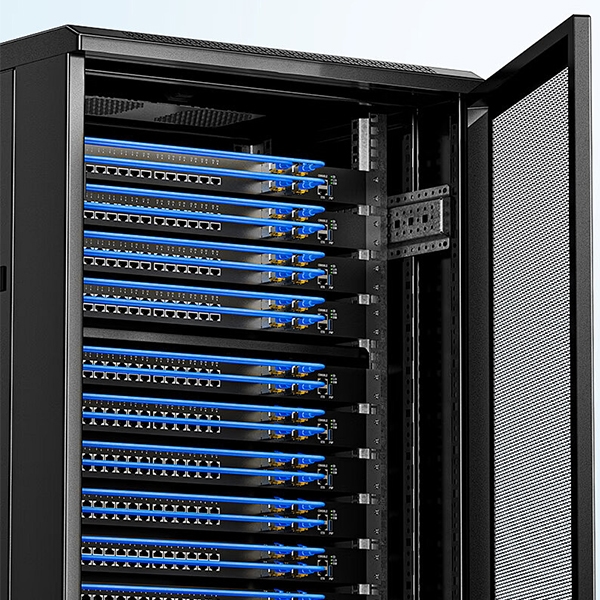
The average SMB server room looks like a dense electrical jungle. The sheer volume of the unstructured layout also means that there is a greater risk of unplanned downtime due to overheating, as well as an excessive amount of time (thousands of dollars in lost business) spent trying to troubleshoot the problem. Since it takes owners several days to untangle the cable congestion rather than focus on growing their business or satisfying customers, the real solutions typically lie buried deep inside the maze of wires.
Measure distances from port to port; determine the correct length of jumper cable to use; and label each cable clearly, while using only high-quality products such as UL Certified 24 AWG Oxygen-Free Copper cords. This will allow your network to work flawlessly on a day-to-day basis, while also allowing staff members to change patch leads without having a meltdown. Interconnect cables give greater flexibility than main cables in the rack, allowing easy bending between switches and drives.
When you properly organize patch leads, your equipment has good airflow, it takes only minutes to restart after a failure instead of hours, and the overall reliability of your system increases. A documented UI Health data center upgrade illustrates how the use of structured cabling drastically reduced the time required to resolve network glitches during critical periods so that staff could concentrate on their work.
 Why That $5 Patch Lead Ruined Your Monday Meeting
 Why That $5 Patch Lead Ruined Your Monday Meeting
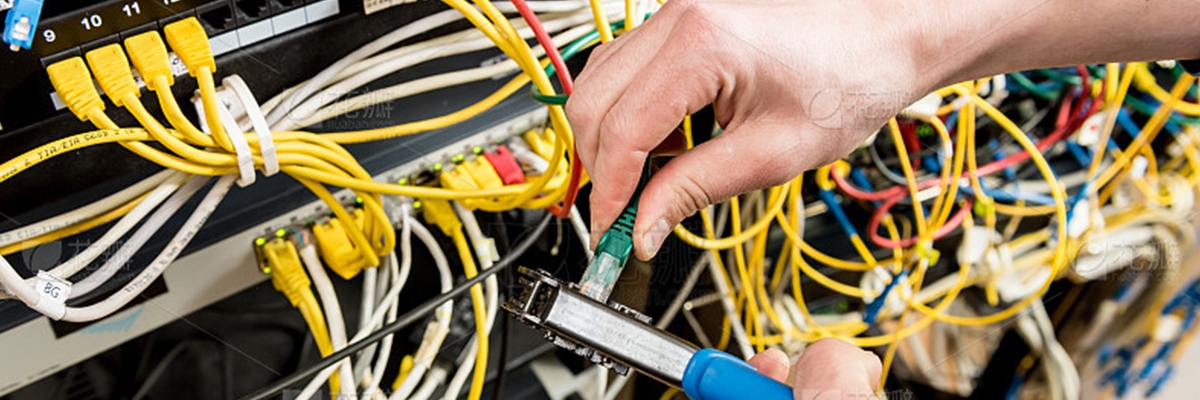
Non-certified patch cords can fail at times when reliability is crucial, freezing up screens throughout the organization and stopping operations completely. This situation is common in office network scale, where the hourly cost of a person is approximately $100; the two hours taken to locate and replace these defective cords will cost the organization $200 with no account taken of additional loss of productivity and the reduction in customer satisfaction due to delays in service. In addition, these short, flexible cords are an important part of connecting equipment in small racks, as they allow bending that longer, more rigid cables cannot provide.
However, if cables are disorganized, quick and easy replacements become an exhaustive search for the exact cable to disconnect. Unstructured layout also makes it almost impossible to see where there are problems in the network; as a result, maintenance teams are often forced to guess during the repair process, wasting thousands of hours of billable labor.
Correctly labeled cabling can reduce repair times considerably; vendors that provide established guidelines on rack layout, such as Panduit, have found that structured cabling has increased change efficiency by up to 80 percent. Using matching length cords will not only improve daily problem finding for technicians, it will allow non-technical workers to troubleshoot and repair problems in minutes rather than having to spend hours searching for cables.
How Overlong Jumper Cables Choke Your Rack’s Cooling
 How Overlong Jumper Cables Choke Your Rack’s Cooling
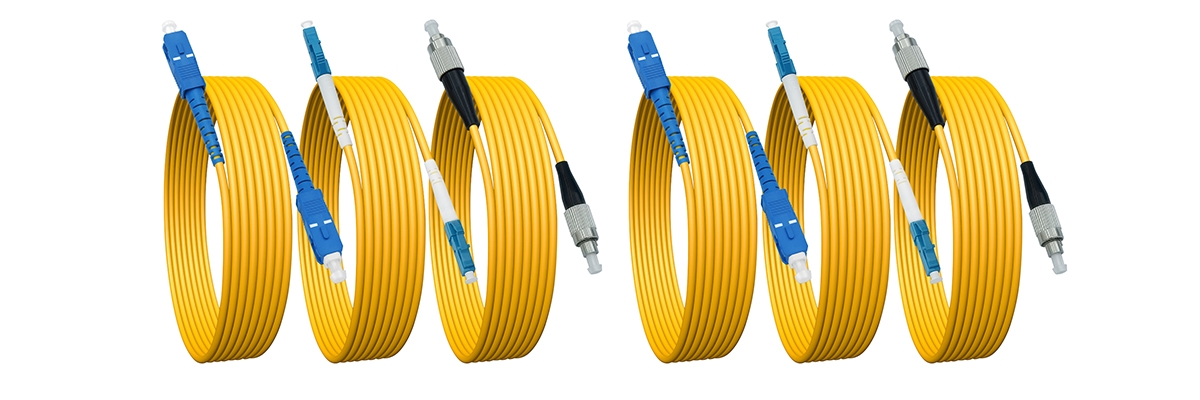
Cisco has published its standard recommendations for maximizing airflow in data centers. One area where Cisco emphasizes the need for good cable management is to avoid excessive cable loops when using very long patch cords. Long patch cords produce multiple excess lengths of cable, which can result in air circulation problems within a standard rack-mounted device or a standard rack configuration.
Such airflow problems can cause the switch or other equipment to pull recycled warmer air into and surrounding the switch or other piece of equipment, leading to faster component heating and increasing the likelihood of the switch or other equipment experiencing fan failure. A business’ investment in rack-mounted technology can represent a significant financial investment.
SMB environments often stack many racks close together in vertical configurations, so even standard-sized, one-meter length patch leads can create problems that lead to excessive loss of space with almost every installation. By measuring each device at the actual length of each cable route, companies can accurately measure the minimum length of slack required to maintain an unobstructed pathway, allowing sufficient airflow throughout the complete rack stack to each rack unit while also producing less waste with a minimum amount of cable.
Use This SMB Rack Length Table
 Use This SMB Rack Length Table
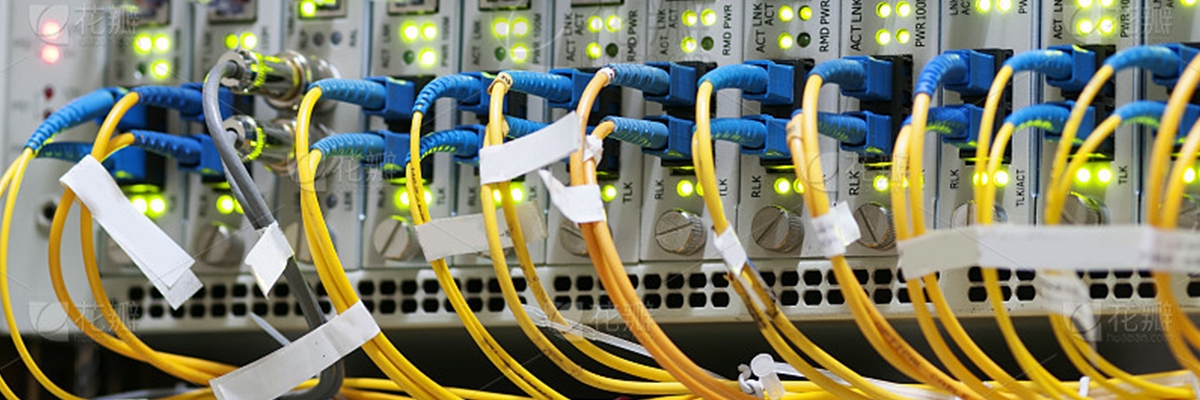
Here’s the SMB Rack Length Table designed for office network scale 19-inch enclosures, drawn from field-tested practices optimizing space and airflow:
| Setup | Length | Slack | Heat Risk | Clutter Cut | Vs. Unmanaged 2m Cords | Pro Tip |
| 1U Adjacent | 0.15m | 7.6cm | Low | 80% | No loops vs total block | Use short cords |
| 2U Skip | 0.5m | 12.7cm | Med | 60% | Balance vs drag | Measure gaps first |
| 3U+ Cross | 1m | 17.8cm | High | 40% | Loop serves vs tangle | Loop slack free |
Improvements of structured 2-meter patch cord deployment compared to unmanaged 2-meter patch cord deployments are shown in the following table. Please print a copy and place it inside your rack door so that you can refer to it frequently. Cable congestion can impede the airflow efficiency of an environment by as much as 20% on average. By matching lengths, we provide an immediate improvement in the environment’s airflow efficiency and offer you the opportunity to save money on future cable purchases.
Why Your PoE Interconnect Cables Overheat Without Warning
During overnight shifts, the security cameras fail completely due to heat accumulation created from tightly bundled low-power, thin Ethernet jumper cables (providing power over Ethernet), leading to dangerous overheating and sudden disconnection of the device from the system without warning. Cameras that require high amounts of power (i.e., 60-watt pan-tilt-zoom cameras) are especially susceptible to this type of failure for SMB video surveillance systems.
You can run your entire rack for one continuous hour at full load, then check the center of each group of cords using an infrared thermometer. If you find that the center of the bundle is more than 10°C above ambient temperature, it is a good indicator that the area may have reached unsafe temperatures and action is required to prevent a possible power outage.
In order to increase the reliability of your surveillance equipment over a period of months, you should run the power lines for the 60-watt camera on their dedicated and thicker gauge Oxygen-Free Copper wire runs. The power accumulation characteristics of these lines are defined by the IEEE and TIA standards; therefore, you should use the thicker gauge solid-core conductors cables for your surveillance systems.
Use This PoE Risk Matrix Table
 Use This PoE Risk Matrix Table
Match equipment against this PoE Risk Matrix Table based on TIA TSB-184-A heat guidelines for small racks:
| Power/AWG | Temp Rise | Drop Risk | Touch Feel | Test Tip |
| 15W/28AWG Tight | 5°C | Drop | Cool | Run 1hr test |
| 30W/26AWG Loose | 10°C | Drop | Warm | Probe center |
| 60W/24AWG Tight | 15°C | Burn | Hot | Swap now |
| 90W/28AWG Tight | 25°C | Fail | Very Hot | IR check |
A minimal investment on most runs allows for the installation of a standard single-run Oxygen-Free Copper cord, which will save thousands in equipment costs associated with poor thermal management. The best practice is to attach this table to your rack and reference it when you’re running Power over Ethernet (PoE) as separate runs down the edges of your racks.
Running a thicker stand-alone run of copper as a dedicated line keeps it much cooler at the maximum load-rated current of the run, helping maintain stability on your PoE feeds as well as increasing uptime during heat waves in summer. Quick Action: Check your rack against these two tables during your next lunch break.
What Makes Substandard Components Fail Silently Over Time
Substandard Ethernet patch cables lose their quality over time (i.e., many months) due to the fragility of their copper-clad aluminum conductors, vs. the strength of a solid-core conductor, which can withstand stresses. Damage to these cables can occur from PoE loads until their eventual failure occurs.
Check the outer jacket of patch cables to see if they are labeled as “UL Listed Oxygen-Free Copper” as this indicates compliance with fire safety and performance standards, which non-UL types do not. Purchasing in bulk from Monoprice or FS.com will save you money on your purchase, but make sure to test out the quality of your new bulk orders by running three samples through a full 24-hour load before using them.
Performing this test will help identify any defects in the cables that could lead to costly rework if not found prior to installation. Cables made of Oxygen-Free Copper have the ability to repeatedly bend and flex without cracking compared to cables made from aluminum, which become increasingly brittle over time after continually handling them improperly.
How Labels Let Anyone Restart Your Patch Leads
 How Labels Let Anyone Restart Your Patch Leads
Without adequate identification for cable connections when performing swaps on untagged patch leads, confusion reigns supreme and what should be normal routines quickly escalate into crisis situations extending for hours when personnel are absent. Such was the case last quarter at a commercial real estate office where front-desk personnel encountered an unresponsive video feed for property tours with no visual identifiers indicating which server the video was connected to, forcing personnel to estimate which cable/servers were connected prior to having the video back in service.
This drawn-out ordeal delayed property dealings for two hours until the owner arrived back in the office. Utilizing visual indicators removes the need for guesswork often associated with untagged cables and provides front-desk personnel with the ability to identify cable connections within seconds.
Immediately implement color coding systems to visually distinguish between various types of connection, such as yellow for camera feeds, blue for data connections. Use durable self-laminating tags to identify both ends of a newly installed patch lead at the same time, e.g., connecting “Switch1-NAS” to the specific “U12-P5-NAS”, and have personnel swap untagged patch leads in under five minutes.
Stack Up Costs Side By Side
 Stack Up Costs Side By Side
Factory-made packs outperform handmade crimps across dimensions, covering 90 percent rack maintenance needs:
| Aspect | Factory-Made | Hand Crimped |
| Cost per Foot | $0.50 | $5.00 |
| Time per Cord | Seconds | 4 minutes |
| Failure Rate | <1% | 10% |
| Warranty | Yes | None |
| Total for 100ft | $50 | $500+ |
Cost includes manual labor overhead, diagnostic time for intermittent failures, and specialized tooling.
One crimping hour equals $50 waste—same amount buys 100 feet professional-grade. Drop pliers, source bulk from verified sellers.
Build the Habit Now
Procure bulk Oxygen-Free Copper certified cords, tailor lengths to measured specs, rely on warranties. Unexpected repair bills never derail budgets as freed time channels into business expansion.
What Your 5-Min Patch Cord Check Achieves
Follow the five-minute verification process to verify installed products and avoid any potential issues ahead of time. Compare lengths of products with those on the rack table. To identify problems with bundles, isolate all PoE lines and conduct a full-load infrared (IR) thermometer test.
Examine jackets of cables to ensure they have Oxygen-Free Copper markings. Attach color-coding and self-laminating labels to both ends of cables; provide sufficient slack along the rack arms and avoid placing slack into intakes. Test all links using ping tests and confirm that all link lights are green.
If necessary, use spare products to reroute low-volume traffic. The laminated checklist affixed to the inside of the rack doors gives anyone access to the cable installation process without having the need to decipher wire arrangements. Run this protocol for each bulk shipment.
Reference Sources
- Structured Cabling Guide for SMB Networks – Practical guide on structured cabling for SMBs, covering subsystems, copper choices, and rack optimization relevant to Ethernet patch cords.
- Data Center Cabling Standards and Best Practices – Details TIA/EIA-942 standards, patch panels, airflow management, and cable routing in racks for Ethernet interconnects.
- How To Wire a Server and Network Rack – Best practices for Ethernet patch cords in racks, including gauge selection, reliability, and avoiding thin stranded cables.
- Handmade vs. Commercially Produced Ethernet Cables – Discussion on cost, failure rates, and reliability of hand-crimped vs factory Ethernet cables in professional setups.
- Cable Installation Guidelines for Cisco Nexus – Cisco’s official rack cabling guide emphasizing airflow, management, and avoiding loops with patch cords.